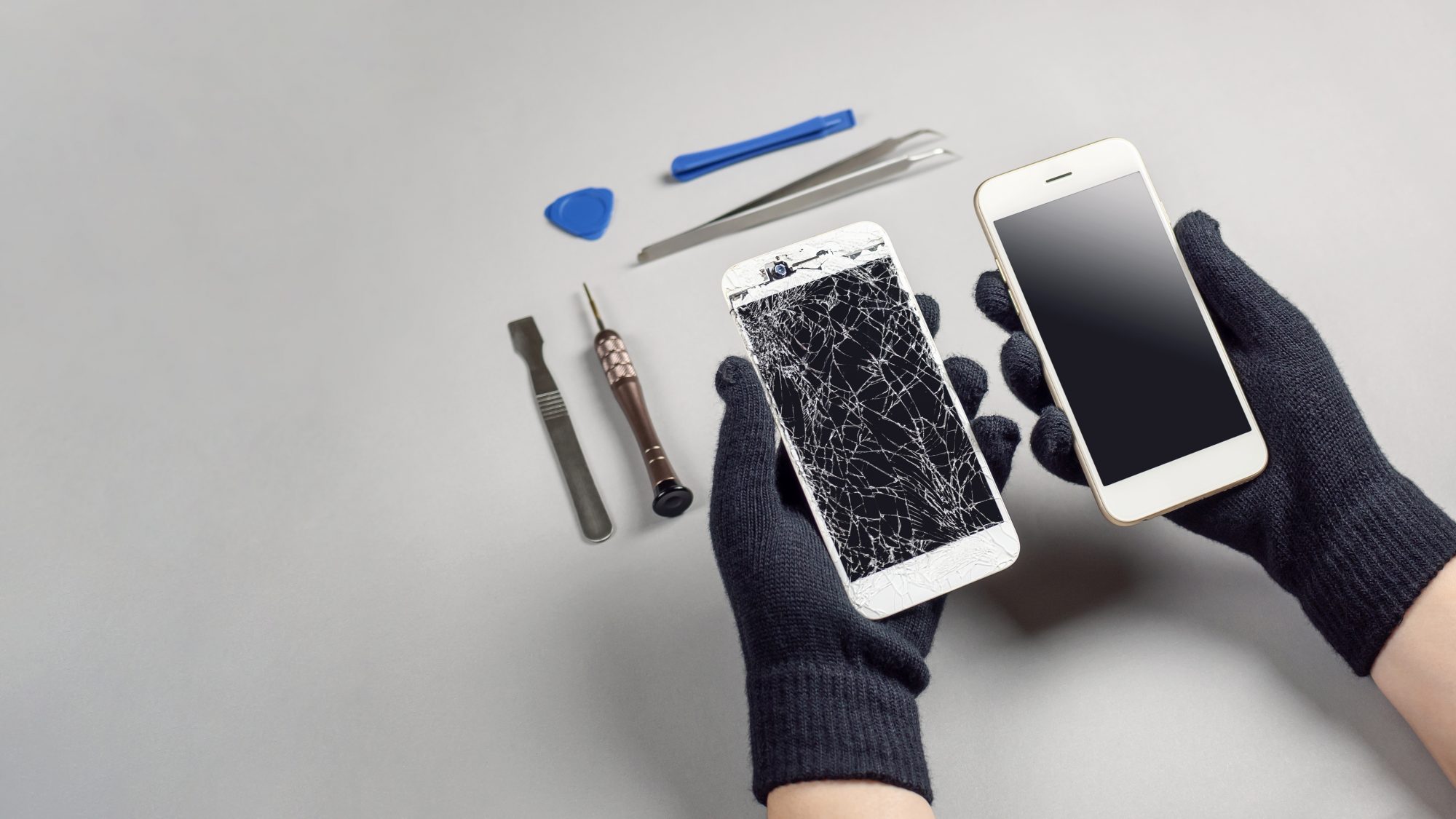
Most phone damage is avoidable — or at least reducible. Not entirely, of course. Phones get dropped, they end up near water, and pockets are unforgiving environments. But a few consistent habits and the right protective gear can make a significant difference to how your device holds up over time.
This guide isn't about wrapping your phone in so many layers that it becomes unusable. It's about practical steps that fit naturally into how most people use their devices — and a few things that are commonly overlooked.
Start with a decent case
A case is probably the single most effective thing you can do. The key word is "decent" — a very thin case made of hard plastic provides almost no impact absorption, and a case that doesn't properly cover the corners of the device will fail at the most vulnerable points.
What tends to work well is a case with a raised lip around the screen (so the screen doesn't make flat contact with a surface when face-down), substantial corner protection, and a material that absorbs shock rather than just deflecting it. Silicone and TPU (thermoplastic polyurethane) do this better than polycarbonate alone. A lot of manufacturers now offer dual-layer cases that combine both, and these are generally worth the extra cost.
Fit matters too. A case that's slightly loose will shift around and won't properly protect the edges. If a case doesn't click securely onto your specific model, try a different one.
One thing to watch: if you use wireless charging, make sure the case is compatible. Very thick cases can interfere with charging efficiency, though most standard cases are fine.
Screen protectors — yes, they're still worth it
Modern phone glass is considerably harder than it used to be, but it's not scratch-proof or shatter-proof. A tempered glass screen protector sits on top of the display and acts as a sacrificial layer — if something hard makes contact with the screen, the protector may crack instead of the display itself.
Film protectors (thin plastic) are better than nothing but don't offer the same level of impact resistance as tempered glass. If your phone has a high-quality display that's expensive to replace, a tempered glass protector is a reasonable investment.
A few things to look for: make sure the protector is designed specifically for your phone model, as a slightly wrong size leaves the edges exposed. Case-friendly versions are cut slightly smaller so they sit cleanly inside the edges of your case rather than lifting at the corners.
Pockets and bags — the risks most people don't think about
The inside of a pocket or bag is a harsher environment for a phone than most people realise. Keys and coins are almost certainly the most common cause of screen scratches — the minerals in metals like brass and steel are hard enough to mark glass. Keeping your phone in a separate pocket from your keys is a simple habit that makes a real difference.
Back pockets are another common issue. Sitting on a phone — even briefly — exerts a significant amount of pressure and flex on the chassis. Most modern phones can handle this to a degree, but over time it can stress internal components and, in some cases, bend the frame. Front pockets are generally safer.
In bags, phones can slide around and receive repeated low-level impacts throughout the day. If you use a bag regularly, a small padded sleeve or a dedicated pocket keeps things more controlled. It also makes it easier to find quickly, which reduces the frantic rummaging that's a surprisingly common cause of drops.
Water and moisture
Many current flagship phones carry IP67 or IP68 water resistance ratings, which means they can handle submersion to a certain depth for a short period under controlled conditions. This is useful for accidental splashes or brief drops into water, but it's worth understanding what these ratings don't cover.
Water resistance degrades over time, particularly if the phone has been dropped (which can break the seals) or if it's an older device. It typically doesn't cover damage from saltwater, chlorinated water, or pressurised water. And manufacturers often won't repair water damage under warranty, regardless of the IP rating — so it's not a licence to take your phone swimming.
More to the point, many phones — particularly mid-range and budget models — don't carry meaningful water resistance ratings at all. For these, the practical advice is: keep the phone away from sinks, baths, and pools; don't leave it on surfaces where spills might reach it; and if you're somewhere wet, put it in a pocket rather than leaving it exposed.
Heat and cold
Temperature extremes affect phones more than people expect. High heat — leaving a phone on a car dashboard in summer, or in direct sunlight for extended periods — can degrade battery capacity permanently. Lithium-ion batteries are sensitive to sustained heat, and this is one of the main reasons batteries age faster in warmer climates or in situations where the phone is left in hot environments.
Cold is generally less damaging but causes its own issues: lithium-ion batteries perform noticeably worse in cold temperatures, so battery life will appear shorter on cold days. This effect is usually temporary (performance returns when the phone warms up), but repeatedly running a cold battery down to empty and back up can add wear.
The practical takeaway: don't leave your phone in a car on a hot day, and if you're outdoors in very cold weather for extended periods, keeping the phone in an inner pocket near your body will help maintain battery performance.
Charging habits and battery care
This is a longer topic in its own right, but a few points are worth mentioning here. Regularly charging your phone to 100% and leaving it plugged in for extended periods adds more wear to the battery than charging to around 80% and keeping it above 20%. Most current phones have some built-in management for this, but not all charge habits are equal.
Avoid using your phone heavily while it's charging — particularly for demanding tasks like gaming or video streaming. The combination of heat from the charger and heat from the processor can accelerate wear.
The most overlooked thing: a secure grip
This sounds obvious, but the data on phone drops is fairly consistent — most happen at head height or below, when someone is doing something else at the same time (texting while walking, or reaching for something while holding the phone). Phone grips, rings, or PopSockets reduce the likelihood of drops significantly for people who use them.
If you've found yourself dropping your phone more than once, it's worth considering one. They add almost nothing to the bulk of a device but provide a much more secure hold — particularly for larger phones that are increasingly difficult to use with one hand.
A word on insurance and screen protection schemes
If your phone is expensive and you know you're hard on devices, some form of accidental damage cover is worth considering. Manufacturer-linked protection plans and standalone gadget insurance both exist; the terms vary significantly, so it's worth checking what's actually covered (accidental damage, liquid damage, theft) and what the excess is before signing up. Some home insurance policies include gadget cover as an add-on, which can be a more economical option.
None of this replaces good habits, but it does provide a safety net for when things go wrong despite your best efforts.
If your phone has already taken some damage, we're happy to take a look. Drop in or get in touch and we'll give you a straightforward assessment.
Get in Touch